در حال حاضر محصولی در سبد خرید شما وجود ندارد.
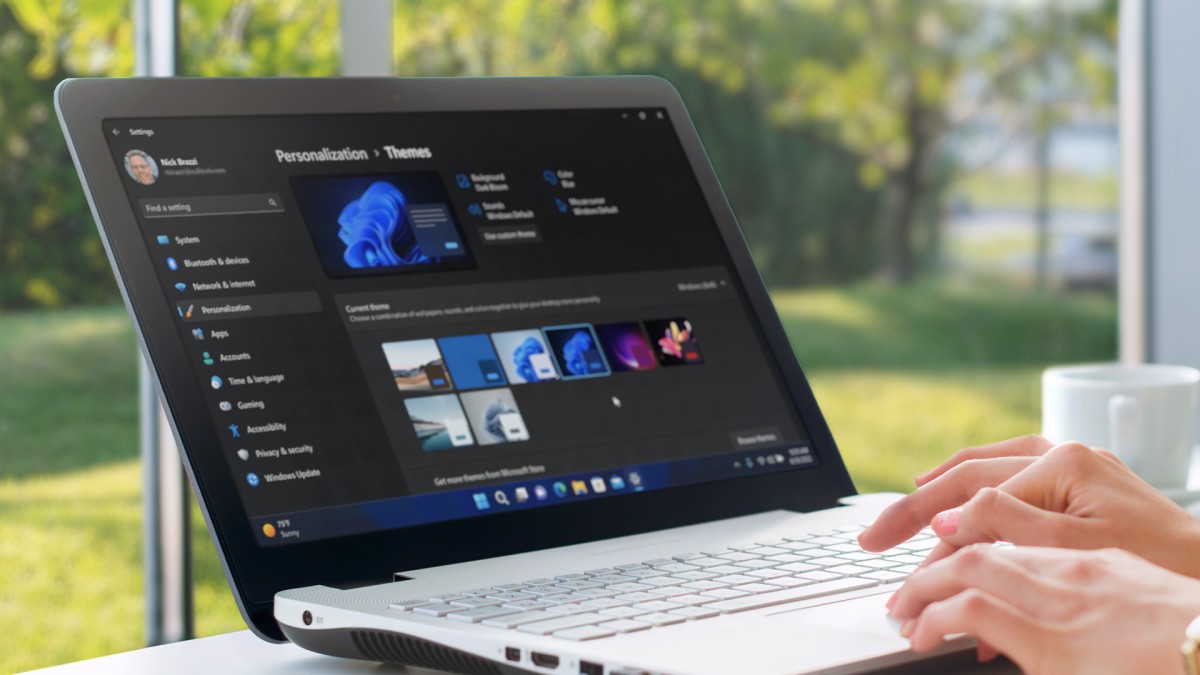

Looking to get up to speed with the Windows 11 operating system? Whether you're new to Windows or upgrading from Windows 10, this comprehensive course can help you work effectively with this powerful operating system.
LinkedIn Learning staff instructor Nick Brazzi begins with the basics, such as configuring setup and system options, launching and using applications, and managing files and folders with File Explorer. Learn how to work with the desktop, use the core bundled apps that come with Windows, and work with email, calendar, and contacts. Along the way, Nick shares a preview of Copilot for Windows, an AI-powered assistant that you can use to interact with webpages and settings and applications in your own PC.
He also demonstrates how to leverage the most useful accessibility features and customize preferences and account settings. Plus, discover how to use live captions and voice control, share data between Windows devices, and back up Windows.
در این روش نیاز به افزودن محصول به سبد خرید و تکمیل اطلاعات نیست و شما پس از وارد کردن ایمیل خود و طی کردن مراحل پرداخت لینک های دریافت محصولات را در ایمیل خود دریافت خواهید کرد.


Learning Notion

Microsoft Teams Quick Tips

Microsoft Loop: AI-Enhanced Project Management and Note-Taking

Google Gemini: Get Started with Google’s AI Assistant

AI on the Go: Use Microsoft Copilot on Mobile Devices

macOS Sonoma Essential Training

Copilot for Windows: Leveraging your PC’s AI Assistant

What Is Copilot? Get Started with Microsoft’s Everyday AI Companion

Managing OKRs with Microsoft Viva Goals

Microsoft 365 Chat: Get Secure Answers About Your Organization with AI

فوری … نیمی از محصولات حذف شد! حذف کامل سایت تا اواسط تیر توضیحات