در حال حاضر محصولی در سبد خرید شما وجود ندارد.
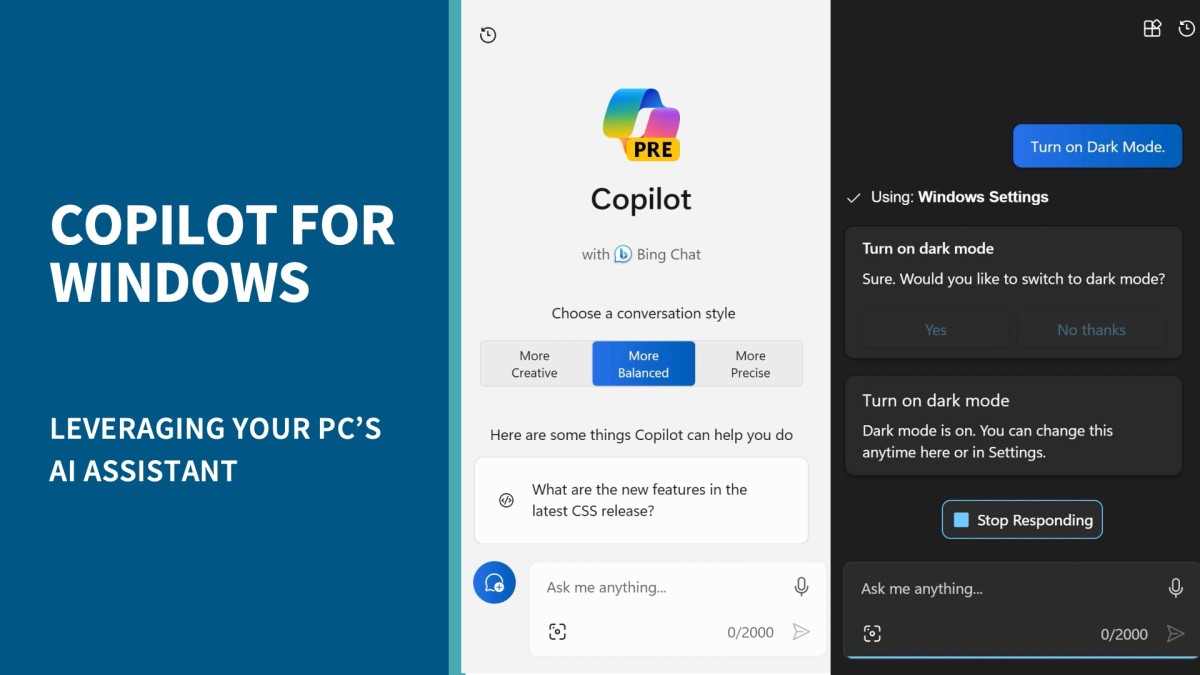

Copilot for Windows, Microsoft’s new AI-powered desktop assistant, can help you save time and stay focused. Built right in the Windows interface, Copilot can respond to requests and provide you with answers and ideas from across the web. In this concise course, Nick Brazzi shows how to use Copilot to configure Windows settings, launch apps, and generate drafts of text and images using natural language prompts. (Note: Copilot for Windows is currently in preview. Some features will be changed or added during the preview period.)
در این روش نیاز به افزودن محصول به سبد خرید و تکمیل اطلاعات نیست و شما پس از وارد کردن ایمیل خود و طی کردن مراحل پرداخت لینک های دریافت محصولات را در ایمیل خود دریافت خواهید کرد.


Microsoft 365 Chat: Get Secure Answers About Your Organization with AI

Learning Notion

Windows 11 Essential Training

Microsoft Teams AI Solutions: Teams Premium vs. Copilot

Microsoft Loop: AI-Enhanced Project Management and Note-Taking

Copilot Agents: Build Your Own AI Assistant in Copilot and Teams (No Code Required)

Microsoft Teams Quick Tips

What Is Copilot? Get Started with Microsoft’s Everyday AI Companion

Microsoft Teams Quick Tips

Microsoft Teams Tips and Tricks

فوری … نیمی از محصولات حذف شد! حذف کامل سایت تا اواسط تیر توضیحات