در حال حاضر محصولی در سبد خرید شما وجود ندارد.
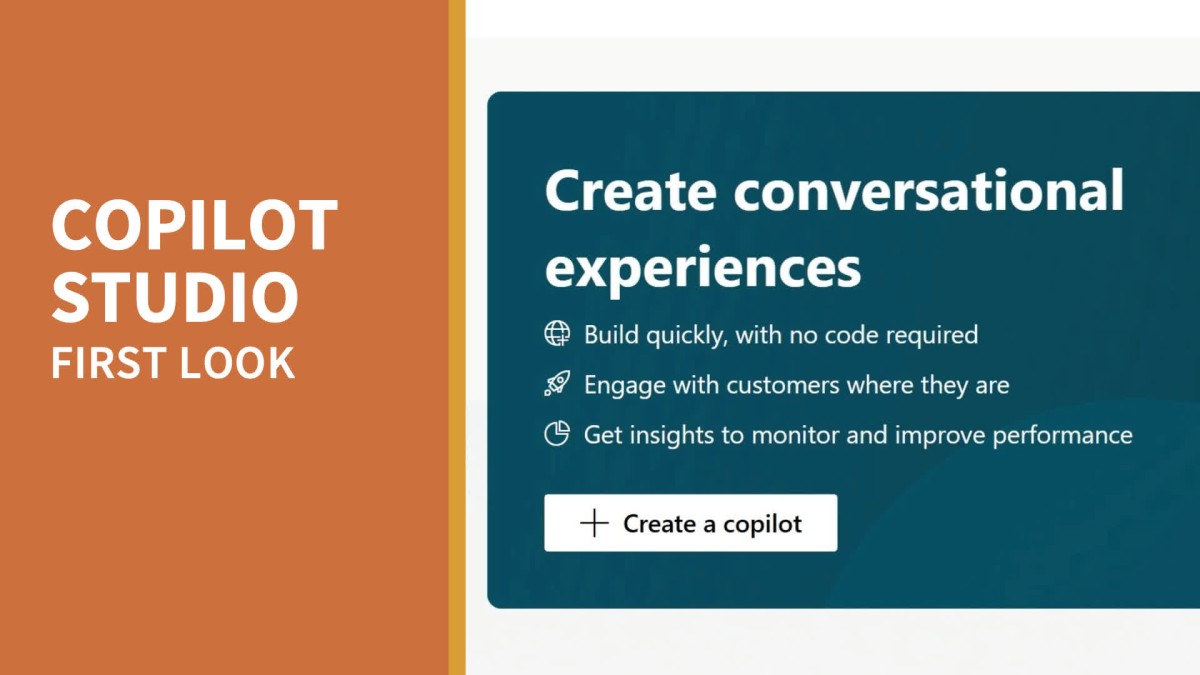

Learn to build and deploy your own Copilot-powered chat assistant in Microsoft’s new Copilot Studio. Join LinkedIn Learning Instructor Nick Brazzi as he uses no coding to build a Copilot. You’ll see how to publish your Copilot so your customers and teammates can use it from a website, inside of Microsoft Teams, or on a third-party platform like Slack or Facebook. Nick also offers a quick introduction to some of Copilot Studio’s more advanced features.
در این روش نیاز به افزودن محصول به سبد خرید و تکمیل اطلاعات نیست و شما پس از وارد کردن ایمیل خود و طی کردن مراحل پرداخت لینک های دریافت محصولات را در ایمیل خود دریافت خواهید کرد.


Microsoft Teams Tips and Tricks

Windows 11 Essential Training

macOS Sequoia Essential Training

Microsoft Teams AI Solutions: Teams Premium vs. Copilot

Windows 11 Essential Training

iCloud Essential Training

Microsoft Loop: AI-Enhanced Project Management and Note-Taking

Managing OKRs with Microsoft Viva Goals

Google Gemini: Get Started with Google’s AI Assistant

Microsoft Designer: Create Stunning Designs with the Power of AI
