وب سایت تخصصی شرکت فرین
دسته بندی دوره ها

Excel 2016: Managing and Analyzing Data

سرفصل های دوره

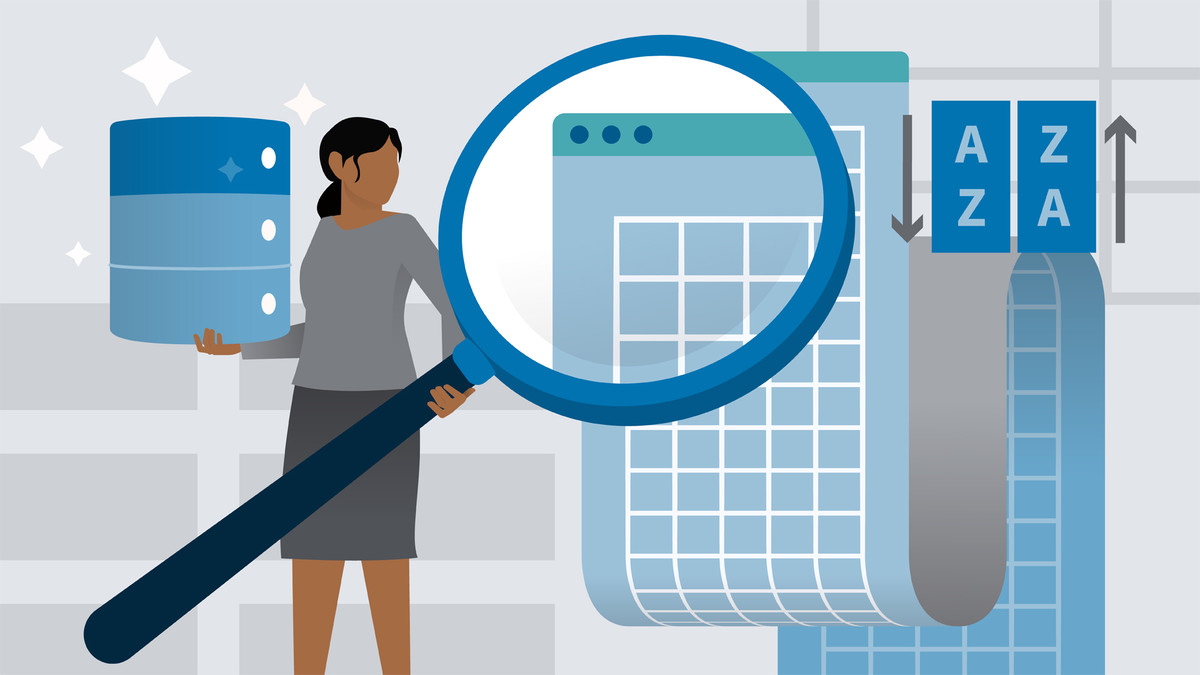
Large amounts of data can become unmanageable fast. But with the data management and analysis features in Excel 2016, you can keep the largest spreadsheets under control. In this course, Dennis Taylor shares easy-to-use commands, features, and functions for maintaining large lists of data in Excel. He covers sorting, adding subtotals, filtering, eliminating duplicate data, and using Excel's Advanced Filter feature and specialized database functions to isolate and analyze data. With these techniques, you'll be able to extract the most important information from your data, in the shortest amount of time.


01 - Introduction
  • 01 - Welcome
  • 02 - Exercise files

  • 02 - 1. Data Preparation
  • 01 - Structure data for optimum usage
  • 02 - Converting lists to tables
  • 03 - Using formulas in tables

  • 03 - 2. Sorting Data
  • 01 - Sorting concepts and sort menu options
  • 02 - Sorting from menu icons
  • 03 - Multiple-key sorting
  • 04 - Sorting based on the order of data in custom lists
  • 05 - Sorting by cell color, font color, or cell icon
  • 06 - Sorting columns (sorting left-to-right)
  • 07 - Sorting data in random order

  • 04 - 3. Creating Automatic Subtotals in Sorted Lists
  • 01 - Setting up single and multiple-level subtotals
  • 02 - Expanding and collapsing with grouping and outlining symbols

  • 05 - 4. Filtering Data
  • 01 - Single and multiple-column filtering
  • 02 - Using text filters
  • 03 - Using date filters
  • 04 - Using numeric filters
  • 05 - Using the Top Ten (value or percent) option
  • 06 - Creating custom filters
  • 07 - Copying and printing filtered lists
  • 08 - Recognizing the limitations of standard filtering
  • 09 - Filtering interactively using slicers with tables

  • 06 - 5. Advanced Filter
  • 01 - Using Advanced Filter for complex OR criteria
  • 02 - Using Advanced Filter for specialized filters
  • 03 - Using Advanced Filter to create unique lists from repeating field data

  • 07 - 6. Eliminating Duplicate Data
  • 01 - Using the Remove Duplicates command
  • 02 - Using a specialized array formula to identify data thats been duplicated
  • 03 - Using an array formula to count the number of unique items in a list

  • 08 - 7. Data Analysis Tools
  • 01 - Using SUMIF, COUNTIF, and related functions for quick data analysis
  • 02 - Using database functions including DSUM, DAVERAGE, DMAX
  • 03 - Using the AGGREGATE function to bypass errors and hidden rows

  • 09 - Conclusion
  • 01 - Next steps
  • 139,000 تومان
    بیش از یک محصول به صورت دانلودی میخواهید؟ محصول را به سبد خرید اضافه کنید.
    افزودن به سبد خرید
    خرید دانلودی فوری

    در این روش نیاز به افزودن محصول به سبد خرید و تکمیل اطلاعات نیست و شما پس از وارد کردن ایمیل خود و طی کردن مراحل پرداخت لینک های دریافت محصولات را در ایمیل خود دریافت خواهید کرد.

    ایمیل شما:
    تولید کننده:
    مدرس:
    شناسه: 45543
    حجم: 721 مگابایت
    مدت زمان: 181 دقیقه
    تاریخ انتشار: ۱۴ دی ۱۴۰۴
    طراحی سایت و خدمات سئو

    139,000 تومان
    افزودن به سبد خرید