در حال حاضر محصولی در سبد خرید شما وجود ندارد.
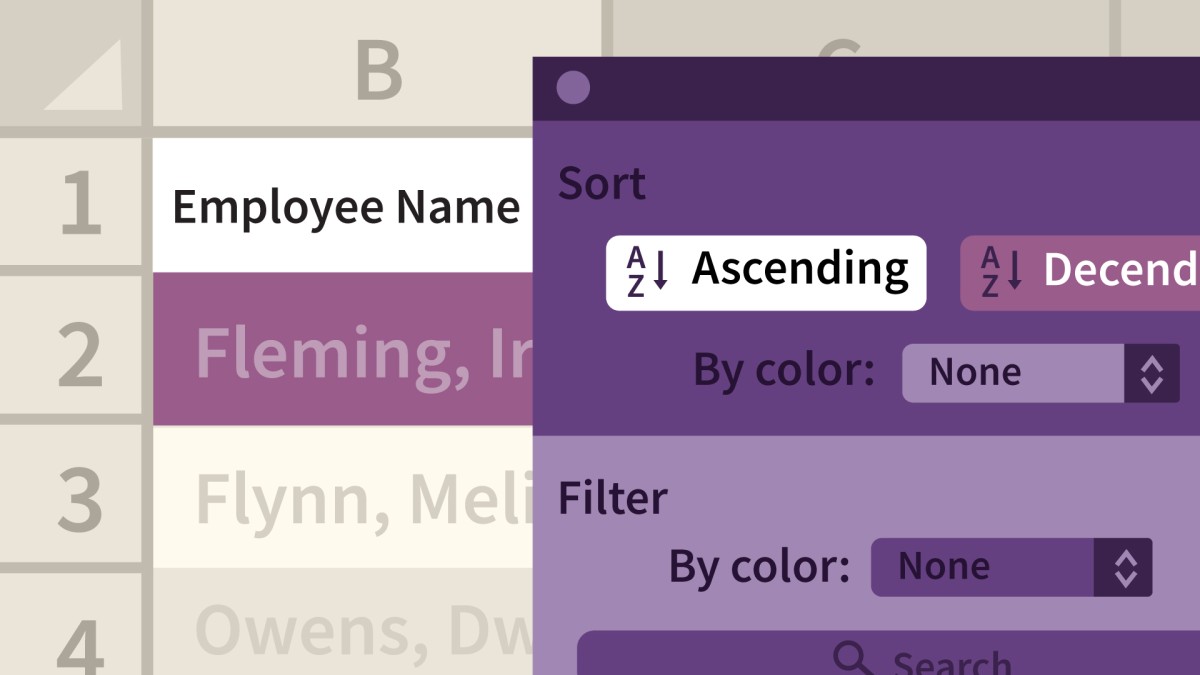

Large amounts of data can become unmanageable fast. But with the data management and analysis features in Excel 2016, you can keep the largest spreadsheets under control. In this course, Dennis Taylor shares easy-to-use commands, features, and functions for maintaining large lists of data in Excel. He covers sorting, adding subtotals, filtering, eliminating duplicate data, and using the program's Advanced Filter feature and specialized database functions to isolate and analyze data. With these techniques, you'll be able to extract the most important information from your data, in the shortest amount of time.
در این روش نیاز به افزودن محصول به سبد خرید و تکمیل اطلاعات نیست و شما پس از وارد کردن ایمیل خود و طی کردن مراحل پرداخت لینک های دریافت محصولات را در ایمیل خود دریافت خواهید کرد.

آموزش پیشرفته فرمول ها و توابع در Excel 2011 for the Mac

اکسل: فرمول های پیشرفته و توابع

دوره هفتگی نکات و ترفندهای Excel
دوره اکسل : کار با چارت ها و گراف ها

Excel 2016: Managing and Analyzing Data

Excel Essential Training (Microsoft 365)
-main-resized.jpg)
آموزش مدیریت و آنالیز داده ها در Excel
-main-resized.jpg)
آموزش پیشرفته ماکروها در Excel 2019, Office 365

Excel: Tips and Tricks
آموزش جامع کار با فرمول ها و توابع در اکسل 2019

فوری … نیمی از محصولات حذف شد! حذف کامل سایت تا اواسط تیر توضیحات