در حال حاضر محصولی در سبد خرید شما وجود ندارد.
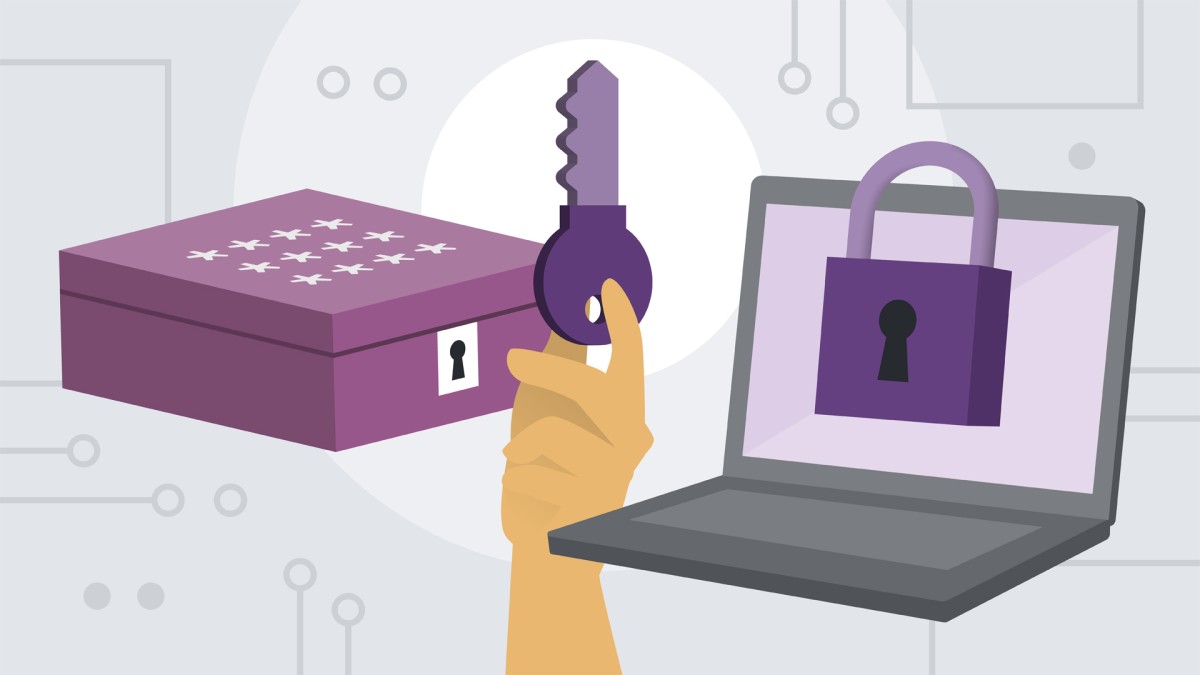

Learn how to safeguard your computer, keep your digital data secure, and protect your privacy online. This beginner's guide to cybersecurity, concentrating on Windows, will help you prevent malware, viruses, and security breaches on your computer and your network. First, instructor Jess Stratton guides you through securing your computer—with antivirus software, firewalls, and encryption—and protecting your wireless network. Then, see how to adjust privacy and security settings in popular web browsers, avoid phishing scams, use public Wi-Fi safely, and enable two-step verification for more-secure logins. Then take steps to bolster your online privacy—including choosing better usernames and turning on Do Not Track requests—as well as the privacy of others, by blurring out sensitive information in photos and emails. By the end of this course, you'll have the tools and knowledge to secure your computer and laptop and keep your information safe online.
در این روش نیاز به افزودن محصول به سبد خرید و تکمیل اطلاعات نیست و شما پس از وارد کردن ایمیل خود و طی کردن مراحل پرداخت لینک های دریافت محصولات را در ایمیل خود دریافت خواهید کرد.


نکات و ترفندهای توابع و فرمول های Excel

Google Drive Essential Training
-main-resized.jpg)
آموزش ضروری گوگول Forms
-(2022)-main-resized.jpg)
آموزش ضروری پاورپوینت (آفیس 365 / مایکروسافت 365) 2022
-main-resized.jpg)
دوره یادگیری کامل Outlook Desktop

OneDrive for Business Essential Training

آموزش استفاده حرفه ای از تقویم گوگل
-main-resized.jpg)
فیلم یادگیری Outlook Essential Training (Office 365)

دوره پاسخگویی بسیار دقیق و شیرین به سوالات عمومی IT ، کامپیوتر و موبایل

مدیریت پروژه با Monday.com

✨ تا ۷۰% تخفیف با شارژ کیف پول 🎁
مشاهده پلن ها