در حال حاضر محصولی در سبد خرید شما وجود ندارد.
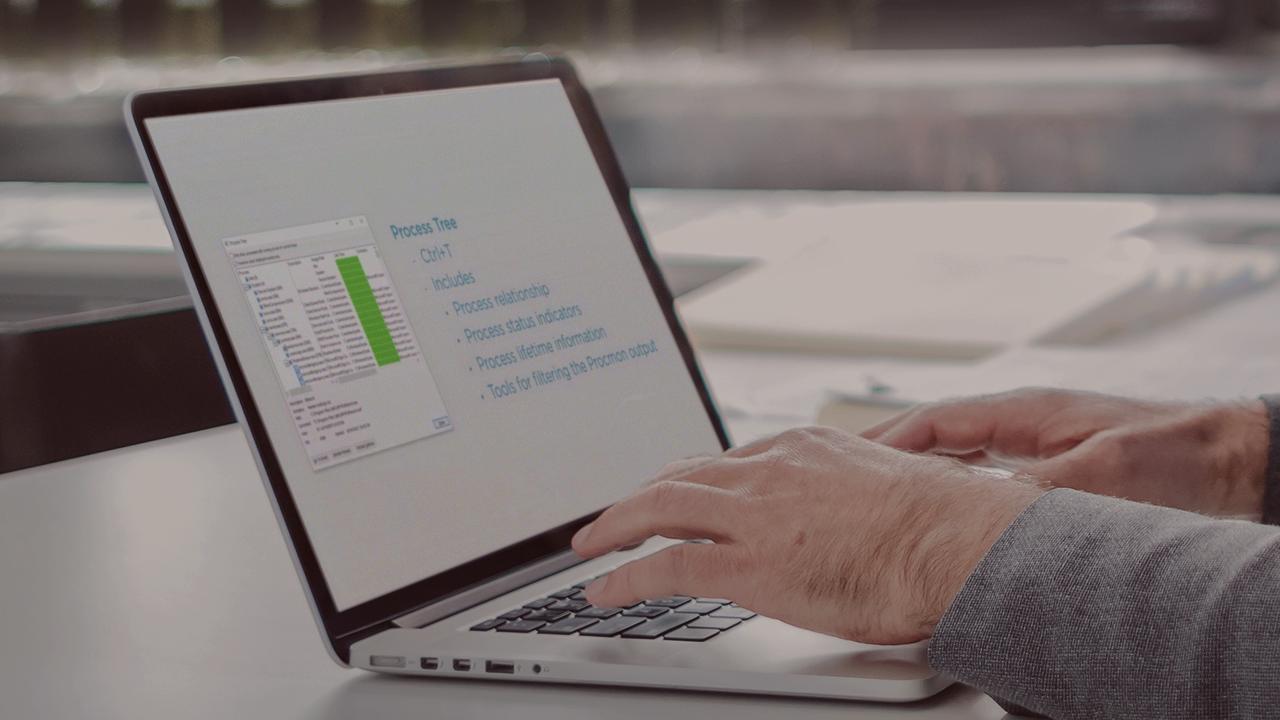

Process Monitor in Windows is one of the best tools to use in troubleshooting. In this course, you'll learn how to get the most out of the second most downloaded tool from the Sysinternals toolkit - Process Monitor.
در این روش نیاز به افزودن محصول به سبد خرید و تکمیل اطلاعات نیست و شما پس از وارد کردن ایمیل خود و طی کردن مراحل پرداخت لینک های دریافت محصولات را در ایمیل خود دریافت خواهید کرد.


Troubleshooting Filesystems with Sysinternals Tools

Troubleshooting Startup and Shutdown Sequences with Sysinternals Tools

Troubleshooting Memory and Disks with Sysinternals Tools

Working with Memory Dumps and Debugging Using Sysinternals Tools
آموزش کامل کار با ابزارهای Sysinternals Tools

Troubleshooting Security and Active Directory Issues with Sysinternals Tools

Exploring the Hidden Gems of Sysinternals Toolkit

Troubleshooting Filesystems with Sysinternals Tools

Troubleshooting Security and Active Directory Issues with Sysinternals Tools

Troubleshooting Processes with Sysinternals Process Explorer

فوری … نیمی از محصولات حذف شد! حذف کامل سایت تا اواسط تیر توضیحات