در حال حاضر محصولی در سبد خرید شما وجود ندارد.
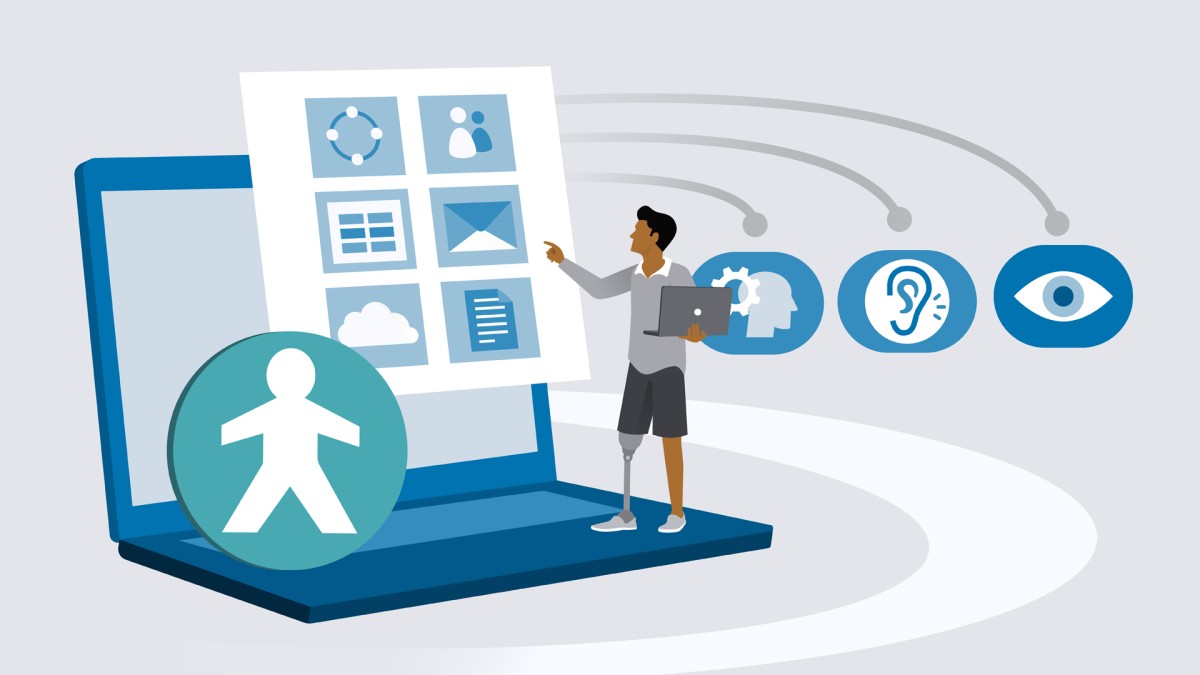

Microsoft Office is one of the most popular and widely used software families available in the world. If you’re interested in making it more accessible to everyone on your team, this course was designed just for you. Join instructor Jess Stratton as she covers the basics of how to use the accessibility features built into Microsoft Office to provide a more equitable and inclusive experience for all.
Explore tools for creating content and functions such as the Dictate tool and the Immersive Reader, as well as tools for consuming content like the Read Aloud feature, alt tags, and more. Along the way, Jess shows you what it takes to make reasonable accommodations for screen readers and how to use the Accessibility Checker to scan files for special considerations. By the end of this course, you’ll have the skills you need to turn on live captions in Teams and PowerPoint and display your words on the screen in real time while you’re presenting.
در این روش نیاز به افزودن محصول به سبد خرید و تکمیل اطلاعات نیست و شما پس از وارد کردن ایمیل خود و طی کردن مراحل پرداخت لینک های دریافت محصولات را در ایمیل خود دریافت خواهید کرد.


مدیریت پروژه با Monday.com

Excel: VLOOKUP and XLOOKUP for Beginners
آموزش نکات و ترفندهای QuickBooks
آموزش کار با Outlook در Office 365
دوره هفتگی نکات و تکنیک های پاورپوینت ( بروز شده تا خرداد 98 )
-main-resized.jpg)
فیلم یادگیری کامل Outlook for Mac
نکات و ترفندهای سریع Excel PivotTable
-main-resized.jpg)
آموزش PowerPoint 365 برای سیستم عامل Mac OS X

PowerPoint Essential Training (Microsoft 365)

فیلم یادگیری کامل QuickBooks Pro 2020

فوری … نیمی از محصولات حذف شد! حذف کامل سایت تا اواسط تیر توضیحات