در حال حاضر محصولی در سبد خرید شما وجود ندارد.
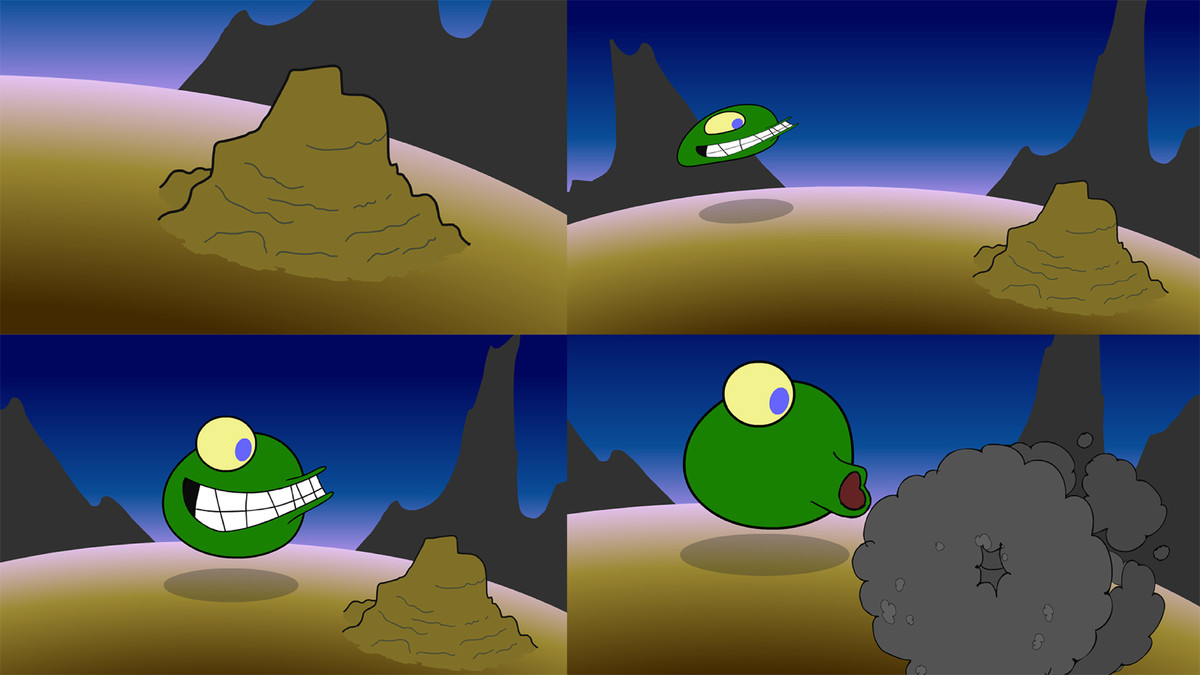

Get your start in digital animation with Adobe Animate CC, the program that takes the best features from Flash and bundles them with Creative Cloud tools. Animate uses nested symbols and motion and shape tweening to create the "in-between" images between keyframes. This course is an introduction to the basics: using the drawing tools, creating symbols, tweening, keyframing, etc. No scripting knowledge is required! It's ideal for new animators as well as Flash animators who need help transitioning to the Animate interface. Dermot O' Connor shows how to create a complete scene with backgrounds and characters, and includes tips for adjusting arcs and timing and adding smoke and shadows, sound effects, and camera moves.
در این روش نیاز به افزودن محصول به سبد خرید و تکمیل اطلاعات نیست و شما پس از وارد کردن ایمیل خود و طی کردن مراحل پرداخت لینک های دریافت محصولات را در ایمیل خود دریافت خواهید کرد.


2D Animation: Walk Cycles Basics

2D Animation: Animate Flying Creatures

انیمیشن سازی 2D: نکات و ترفندها
آموزش 21 مبنا و اصل انیمیشن سازی

Essential Technical Aspects of Animation

Learning 2D Animation Principles

Animating in 2D: Breakdowns and Thumbnails

Animating in 2D: Hair and Clothing

آموزش متحرک سازی به شیوه کارتون های قدیمی

21 Foundations of Animation

فوری … نیمی از محصولات حذف شد! حذف کامل سایت تا اواسط تیر توضیحات