در حال حاضر محصولی در سبد خرید شما وجود ندارد.
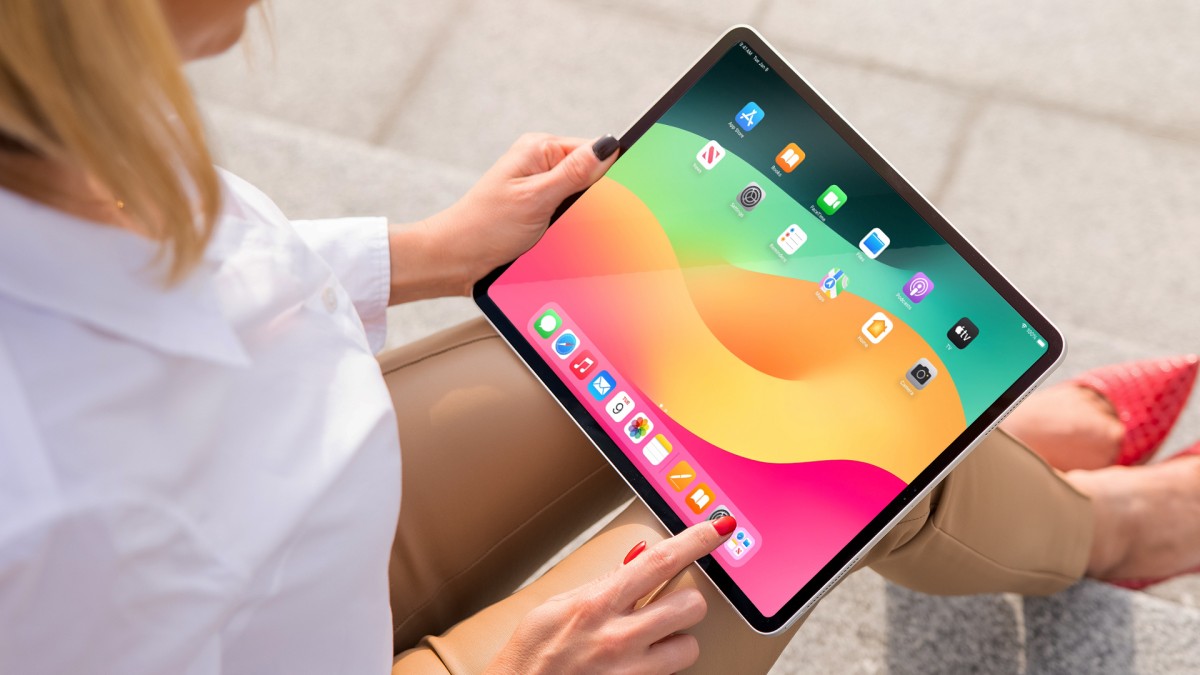

In this course, Garrick Chow—a senior staff instructor at LinkedIn Learning—guides you through the key features, workflows, and updates in iOS 18, the 2025 operating system release from Apple for iPhones and iPads. Learn about the basics of iOS system organization and features, so that you can leverage core phone/tablet functions ASAP. Find out how to use the built-in productivity apps included with iOS 18 to organize your personal data. Take advantage of the latest features and workflows in managing your personal and professional life. Explore ways to share files, media and data with contacts in a safe and secure manner. Discover how you can use the camera on iOS devices to capture, edit, customize, and share videos (including spatial video) and still photos. Plus, learn how to load, manage, and use custom iOS apps to customize your personal workflow and iOS experience. When you finish this course, you’ll be well prepared to make the most of everything iOS 18 has to offer.
در این روش نیاز به افزودن محصول به سبد خرید و تکمیل اطلاعات نیست و شما پس از وارد کردن ایمیل خود و طی کردن مراحل پرداخت لینک های دریافت محصولات را در ایمیل خود دریافت خواهید کرد.


Enhance Custom GPTs with Zapier Actions
-main-resized.jpg)
آموزش کامل کار با PowerPoint Desktop

آموزش کامل iOS 13 and iPadOS
-main-resized.jpg)
آموزش کامل Prezi Next

آموزش فرم سازی با امکانات پر کردن ، ارسال و اعتبار سنجی با Acrobat DC

آموزش کامل یادگیری Acrobat Reader DC

آموزش متحرک سازی متون و اشکال در PowerPoint

آموزش نکات و ترفندهای iPad
-main-resized.jpg)
یادگیری LinkedIn برای دانش آموزان

آموزش سواد کامپیوتری : Windows 10

فوری … نیمی از محصولات حذف شد! حذف کامل سایت تا اواسط تیر توضیحات