در حال حاضر محصولی در سبد خرید شما وجود ندارد.
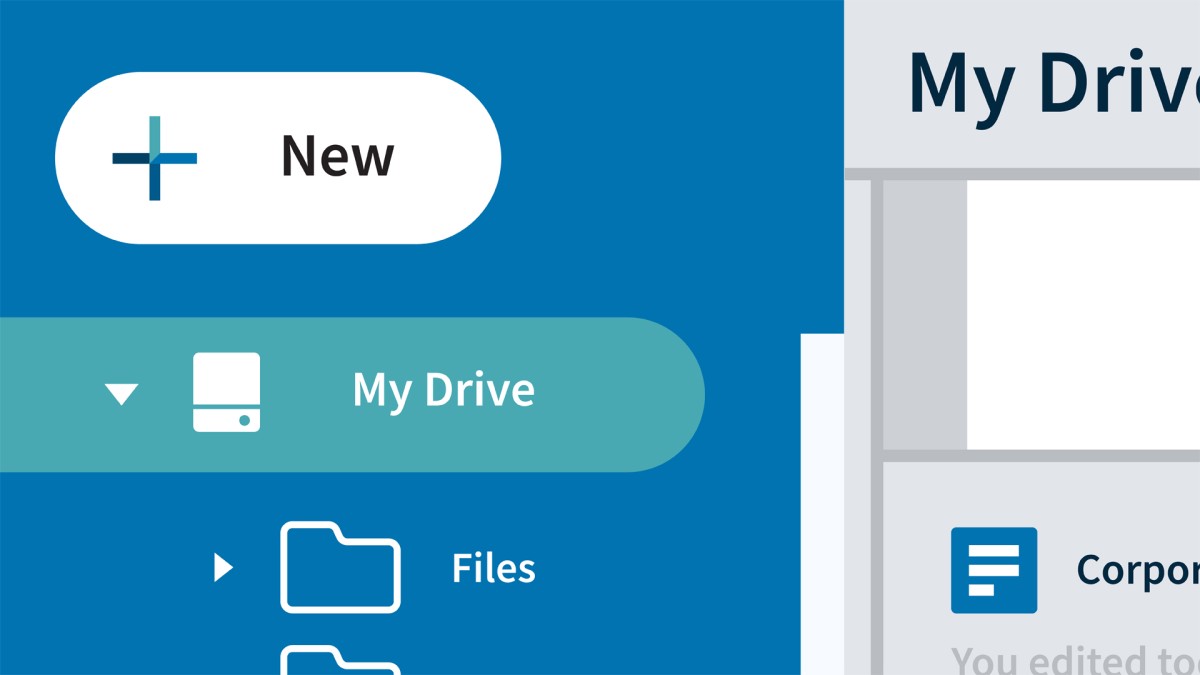

Learn how to work smarter with Google Drive. In this course, Jess Stratton explains how to get started using this popular cloud-based software to store files, plus create and collaborate on documents, spreadsheets, and presentations. Find out how Google Drive fits into the productivity suite from Google and learn how to navigate the interface. Explore the differences between Drive and Docs, as well as how to organize, sync, and locate your Drive files. Learn the basic toolbars and overviews of editing documents, spreadsheets, and presentation slides right from Google Drive. Plus, learn how to share your files and leverage the mobile app!
در این روش نیاز به افزودن محصول به سبد خرید و تکمیل اطلاعات نیست و شما پس از وارد کردن ایمیل خود و طی کردن مراحل پرداخت لینک های دریافت محصولات را در ایمیل خود دریافت خواهید کرد.

آموزش استفاده حرفه ای از تقویم گوگل
آموزش کامل QuickBooks Pro 2019
-main-resized.jpg)
آموزش ضروری گوگول Forms

Gmail Essential Training

آموزش کار با امکانات Google Docs
-main-resized.jpg)
دوره یادگیری کامل Outlook Desktop

Getting Started with Bard, Google’s Experimental AI
-(2022)-main-resized.jpg)
آموزش ضروری پاورپوینت (آفیس 365 / مایکروسافت 365) 2022
اکسل: VLOOKUP و XLOOKUP برای مبتدیان

OneDrive for Business Essential Training

فوری … نیمی از محصولات حذف شد! حذف کامل سایت تا اواسط تیر توضیحات